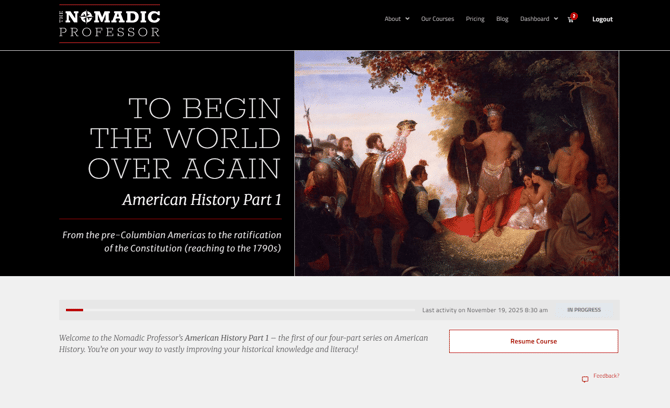
The system automatically remembers where you left off:
- Log in to your Dashboard
- Find the course tile
- Click Go to Course
- Click the Resume button
- You will be taken directly to the next unfinished Session or Topic
- If the Session or Topic is marked as incomplete and you feel you've finished it, try selecting the "Next Topic" button at the bottom of the page. If the Topic you're trying to mark as complete is a "Summary and Structure Terms" page, you will need to upload a document, even if it is a "dummy" assignment, so the system can verify you've completed all requirements to be marked as complete