
Most courses offer an audio version of the text for students who prefer to listen as they read along. The audio can be found at the top of the Session Preview Page (this is the page labeled with a number, e.g., 1.1, 1.2, 1.3, etc.)
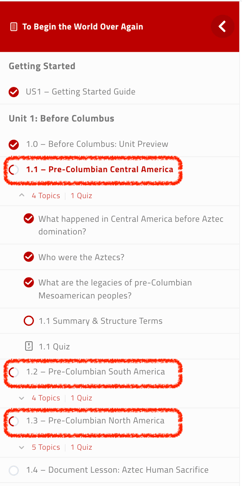
Option 1: Open Audio in a New Tab
- Right-click the Audio link at the top of the Session Preview Page
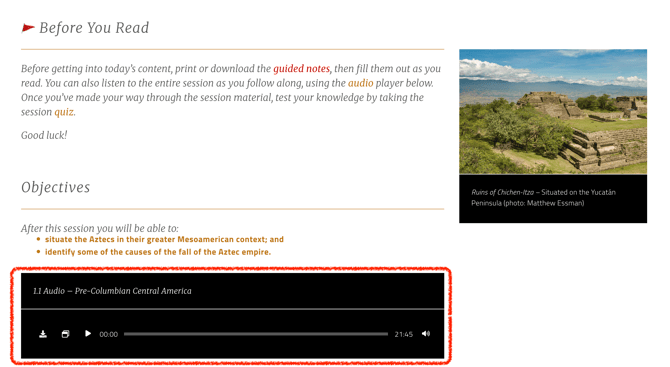
- Choose Open link in new tab
- Use one tab to listen and the other to click through the Session
Option 2: Download the Audio
- Click the audio link
- Use your device’s download option
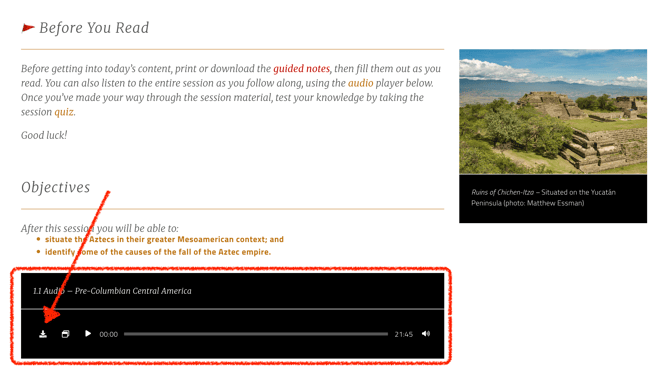
- Listen in any media player
Downloading audio allows continuous listening even while navigating through different pages