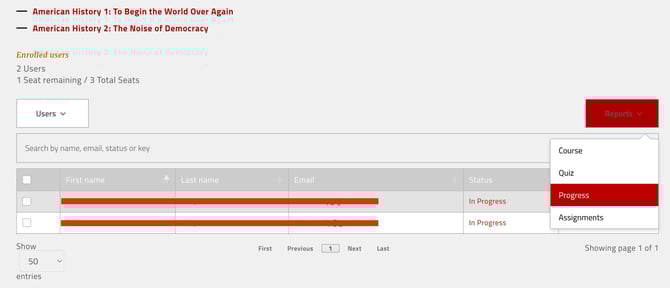
There are two main ways to see how far students have progressed in their courses:
- directly from the Enrolled Users table, and
- from the Progress Report
Method 1: Enrolled Users table
- Go to the My Groups page
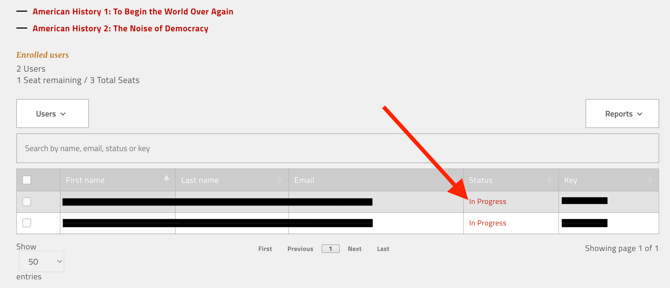
- In the Enrolled Users table, find the Status column
- Click the status text (for example, Not Started or In Progress)
Method 2: Using the Progress Report
- On the My Groups page, open the Reports dropdown
- Select Progress
- Search your student's name